Video Interview Tips: How to Prepare Your Setup and Answers
Prepare for a video interview with practical advice on camera setup, answer delivery, technical problems and a realistic rehearsal checklist.
· 8 min read
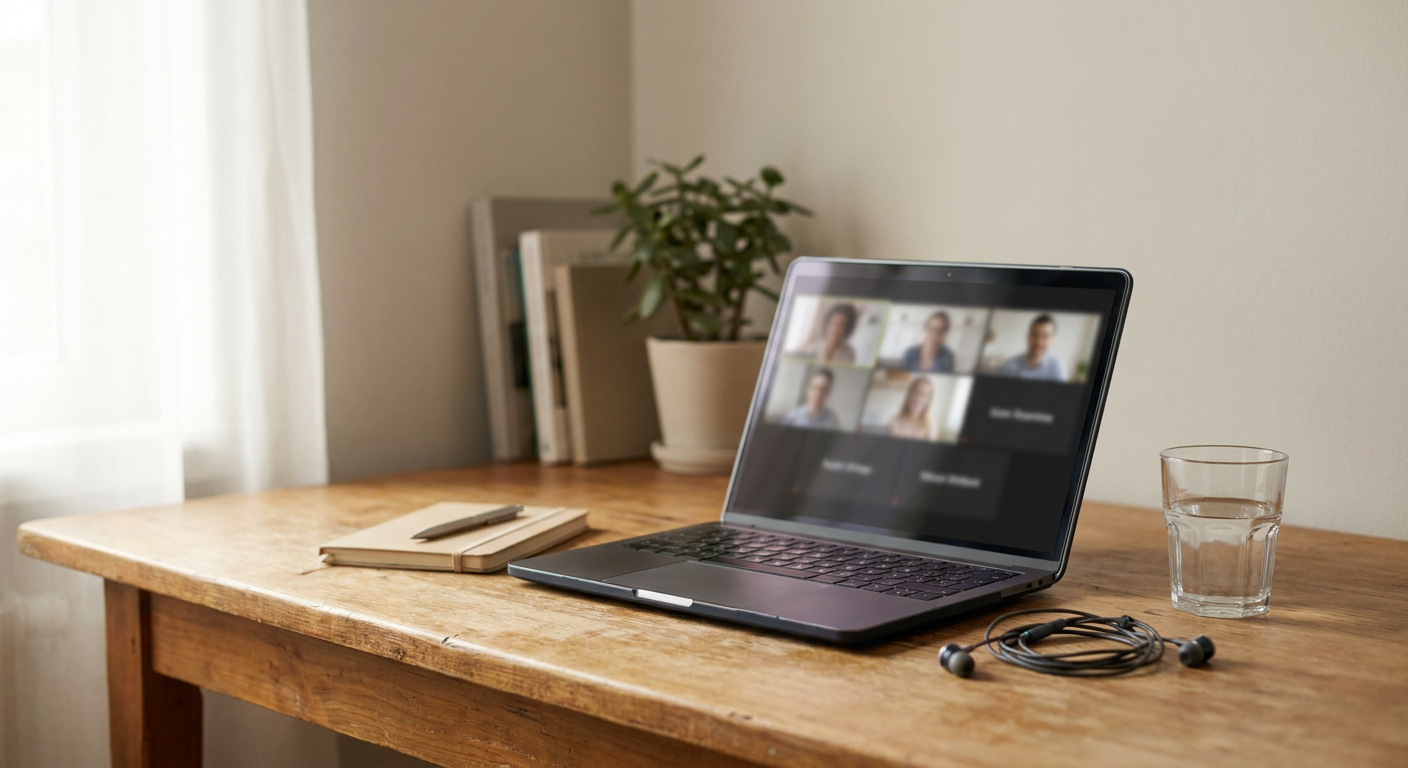
A video interview can make a familiar conversation feel strangely difficult. You are watching a screen, wondering where to look, checking whether your microphone works and trying to explain your experience clearly. These video interview tips will help you remove avoidable distractions so you can focus on the conversation. You will learn how to test your setup, prepare useful notes, practise answers without sounding rehearsed and recover when technology interrupts. Whether you are applying from home or fitting an interview around your current job, the aim is not a studio-quality production. It is a clear, comfortable conversation that lets your experience come through.
1. Start with the interview format, not the camera
Before rearranging your desk, check the invitation carefully. A live conversation and a recorded interview require different preparation, even if both happen through a webcam.
For a live interview, you can ask for clarification, respond to follow-up questions and check whether you have answered fully. In a recorded interview, you may receive a prompt and a limited response window without another person present. Do not assume you can pause or re-record: check the instructions first.
Look for these details in the invitation:
- The date, start time and time zone.
- The platform and joining link.
- Whether the interview is live or recorded.
- The expected length and names or roles of attendees.
- Any presentation, task or screen-sharing requirement.
- A contact address for technical difficulties.
If something important is missing, ask a short, specific question. For example: “Could you confirm whether this will be a live conversation and whether I should prepare to share my screen?”
If you need captions, breaks or another adjustment, raise that early so the organiser has time to respond. If several interviewers will attend, our guide to preparing for a panel interview covers managing questions from different people.
If you are currently employed, use your own equipment and account where possible. Choose a private location away from colleagues, and avoid leaving confidential work documents visible behind you or on screen.
2. Video interview tips for a reliable home setup
You do not need an expensive webcam or a professionally styled room. Start with what you already own and fix the problems that make it harder to see or hear you.
Put clear sound first
Record a short test using the microphone you intend to use. Listen for echo, fan noise, muffled speech and sounds from nearby rooms. Familiar wired earphones can be useful if your laptop speakers create feedback, but test them rather than assuming they will sound better.
Ask anyone sharing your space to avoid interrupting during the interview. Close windows if outside noise is distracting, and silence notifications on your computer and phone. Keep your phone available for a backup call without allowing it to interrupt the main conversation.
Make your face easy to see
Position your camera close to eye level using a stable stand or secure stack of books. Sit far enough back that your head and shoulders are visible, with a little space above your head.
Face a window or place a lamp in front of you, rather than sitting with a bright window behind you. Check the image at roughly the same time of day as the interview because daylight can change your setup considerably.
Choose a tidy, neutral background. A blurred background is an option, but check whether it cuts around your hair or hands awkwardly. The room does not need to look impressive; it should simply avoid distracting from you.
Test the actual interview platform
Where the platform allows it, test its camera and microphone settings in advance. Check browser permissions, your displayed name and whether the link requires an app or account.
Plug in your laptop, close unnecessary applications and pause large downloads. If you plan to share your screen, practise sharing only the relevant window and remove private information from view.
3. Prepare a note sheet, not a script
Notes can be helpful during an online job interview, but a full script often creates a new problem: you start reading instead of talking. Long paragraphs also make it harder to find the point you need when a question catches you off guard.
Prepare one page containing the essentials. Include the role’s main requirements, a few examples from your experience, your reason for applying and questions you want to ask. Use large, easily scanned phrases rather than complete answers.
For each example, note the situation, what you personally did and the outcome. If a result was qualitative rather than numerical, say so. Resolving a recurring handover problem or making a process easier to follow can be worth discussing without inventing a percentage improvement.
Here is an illustrative note sheet for someone interviewing for a customer support role:
| Role requirement | Evidence to prepare | Note-sheet reminder |
|---|---|---|
| Handling difficult conversations | A complaint you helped resolve | Listen, clarify, agree next step |
| Managing competing priorities | A busy period with urgent requests | Explain how priorities were chosen |
| Improving team processes | A clearer handover you introduced | Problem, change, feedback |
| Learning unfamiliar software | A tool you learned for previous work | Practice, questions, independent use |
These are prompts, not claims to copy into your own answers. Replace them with situations you can explain honestly and discuss in detail.
If your examples tend to become long stories, use our guide to answering STAR interview questions. The structure helps you make your contribution clear without memorising every sentence.
Keep your notes close to the camera so you can glance at them briefly. Avoid placing them on a second screen that makes you turn away throughout the conversation.
4. Rehearse the conversation and the interruptions
Practising silently is not the same as answering aloud. A sentence that looks clear on paper can feel awkward when spoken, especially while you are watching yourself on screen.
Record a short practice session with three questions: why you want the role, an example of relevant work and a challenge you handled. Watch it once for clarity and once for technical issues. Look for rushed openings, answers that lose their point and distracting habits, rather than judging your appearance.
For example, imagine an administrator applying for an operations role. Their first practice answer lists every duty from their current job. In the second attempt, they select one scheduling problem, explain their actions and describe how the new process helped colleagues. The improvement comes from choosing relevant evidence, not speaking more formally.
Use this rehearsal checklist:
- Join a test call using your planned device and location.
- Answer three questions aloud using only brief notes.
- Check whether each answer directly addresses the question.
- Practise a pause before answering rather than filling every silence.
- Rehearse sharing a window if the interview requires it.
- Find the invitation and contact details without searching your inbox.
During the interview, look towards the camera regularly, particularly when making a key point. You can still look at the interviewer’s face to follow the conversation. Constant camera staring is unnecessary and can feel unnatural.
If there is a delay, leave a brief pause before responding. If you talk over someone, stop and say, “Please go ahead.” Small interruptions do not need a lengthy apology.
Prepare a simple recovery phrase for technical problems: “The audio cut out just then. Could you repeat the last part of the question?” If the connection drops, try rejoining, then contact the organiser if that fails. A phone hotspot can be a backup if your device, data allowance and signal support it, but test it beforehand.
5. Where Pitanga Labs fits
Once your setup works, the next challenge is deciding what to practise. The Pitanga Labs AI Interview Preparation Pack provides likely questions, STAR answers and questions to ask for 6 credits, according to Pitanga Labs product information [verify].
Use the pack as preparation material, not a prediction of the interview. Review every suggested answer against your actual experience, remove anything inaccurate and rewrite language that does not sound like you.
A practical approach is to choose a few relevant questions, reduce your answers to note-sheet prompts and rehearse them aloud on camera. This can help you spend less time staring at a blank page and more time practising clear delivery.
The tool supports answer preparation; it does not replace checking your microphone, understanding the employer or listening carefully during the conversation. Keep AI assistance in your preparation rather than using it to generate live answers, unless the employer explicitly permits that.
Conclusion
A strong video interview starts with removing friction: confirm the format, test the actual platform and make yourself easy to see and hear. Then prepare brief evidence-based notes and practise speaking, not reading. You do not need perfect lighting or flawless delivery to have a useful conversation. Start today by checking your invitation and recording one practice answer. If choosing relevant examples is the harder part, explore the Pitanga Labs AI Interview Preparation Pack and turn its suggestions into truthful, natural responses.
FAQ
Where should I look during a video interview?
Look towards the camera regularly when speaking, and look at the interviewer on screen when listening. Place their video window near your camera if possible. Natural shifts in attention are fine; you do not need to maintain a fixed stare.
Can I use notes in a video interview?
Unless the instructions prohibit them, brief notes can help. Use keywords and example prompts rather than a script, and follow any specific rules for recorded interviews or assessments.
What should I do if my internet disconnects?
Try rejoining through the original link. If that fails, contact the organiser using the details in your invitation. Explain the problem briefly and ask whether they prefer another connection method or a rescheduled conversation.